
 Flash Movie Player help - Options
 Flash Movie Player - freeware flash animation player
 Flash Movie Player FAQ
 Flash Movie Player translation guide
 Flash animations, movies, games - assorted links
 Winmail Opener - free winmail.dat decoding tool
 Registry Jumper - freeware Regedit companion
Options
Options dialog can be invoked from the View menu by the Options command.
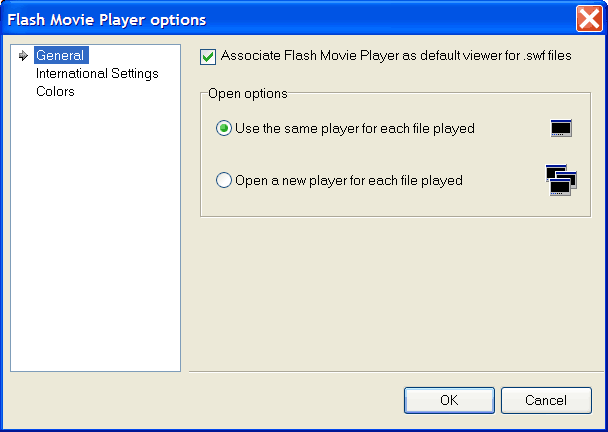
General options include parameters:
Associate Flash Movie Player as default viewer for .swf files - if checked, Flash Movie Player will be registered as default viewer for swf files.
Open options determine behaviour of player if it's associated with swf files and such files opened from Windows Explorer. Choices are self-descriptive:
- Use the same player for each file played
- Open a new player for each file played
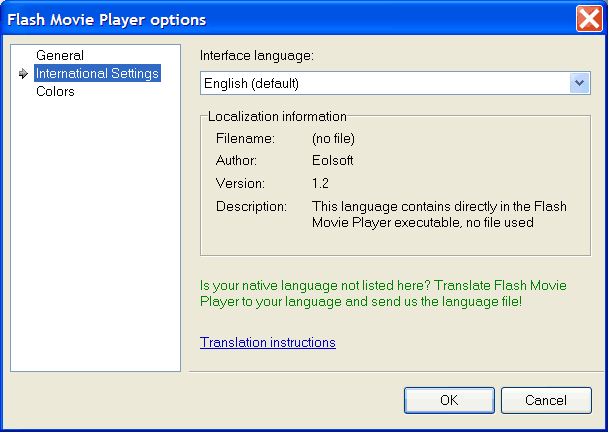
At the International settings page you can change Flash Movie Player language from the existing translations.
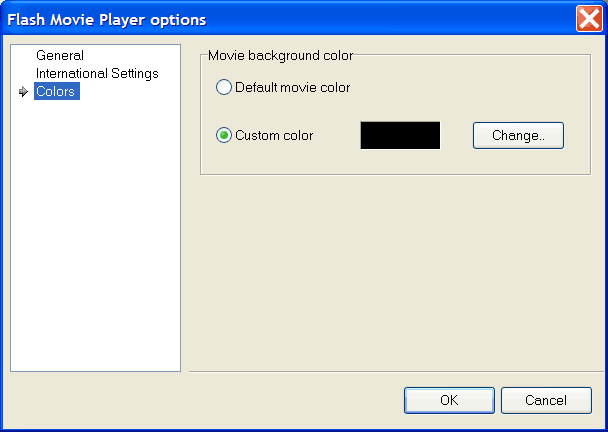
Not all flash animations can be shown correctly with default Flash Movie Player settings (black background). You can change background color of the Movie clip area (including borders) at the Colors page. Default movie color is the color, directly specified in the animation (if any), more often it is White.
« Previous : Flash Movie Player Playlist editor Help contents Next : Flash Movie Player shortcuts and tips »